

Windows 10 End of Support: What It Means for Your Houston Business (And What to Do About It)
Microsoft ended support for Windows 10 on October 14, 2025 — meaning no more security patches. If your Houston business is still running it, here's what that risk really means and the three paths forward: upgrade, extend, or replace.
Is Someone Sending Fake Emails From Your Company's Domain? Here's How Houston Businesses Can Stop It
A scammer can send an email that looks exactly like it's from your company — logo, domain, and all. Learn how SPF, DKIM, and DMARC stop it, and the common DMARC mistake that leaves Houston businesses exposed anyway.
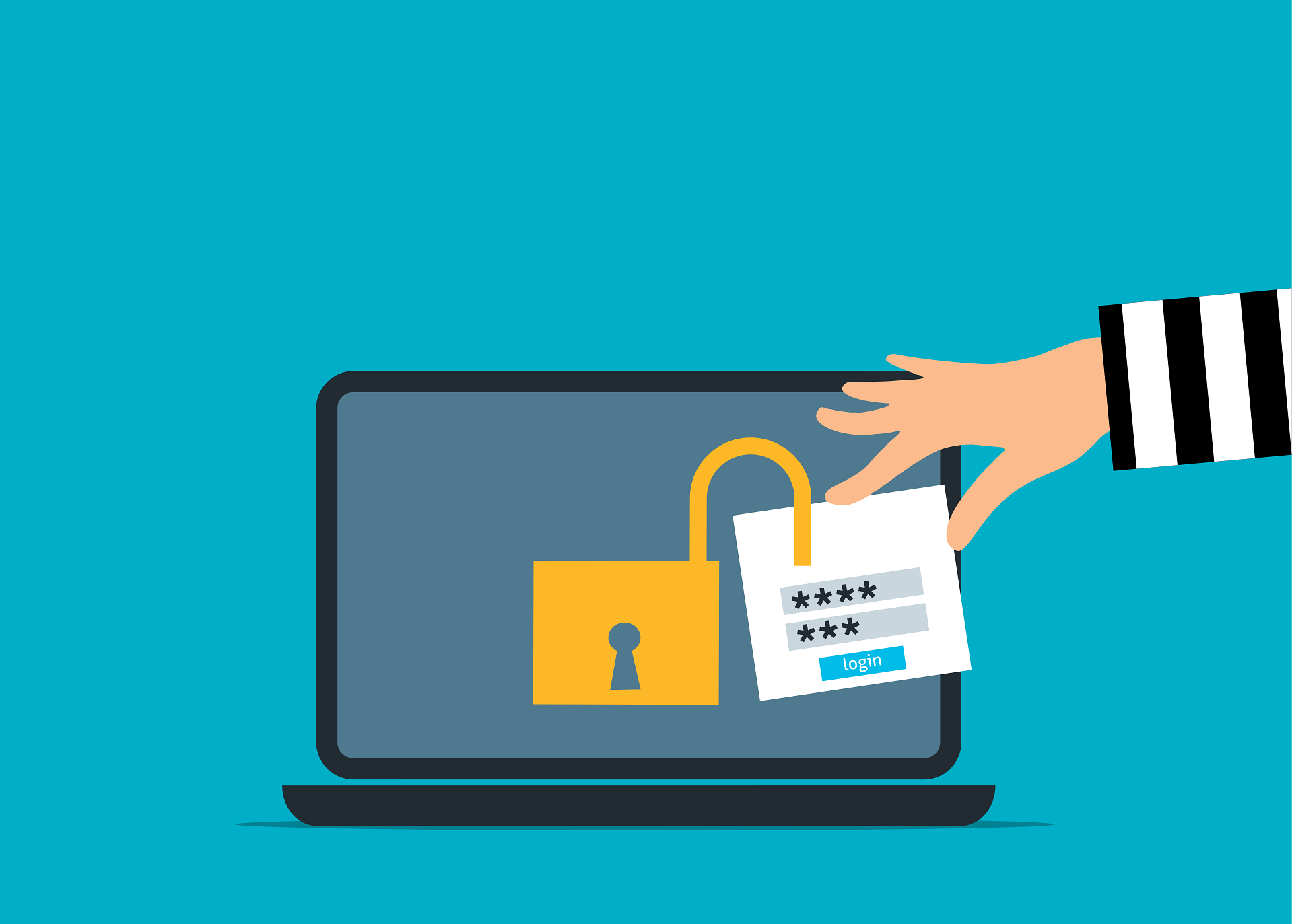
Why MFA Isn’t Enough: How Session Cookie Hijacking Bypasses Login Security
Session cookie hijacking is a growing cybersecurity threat that can bypass multi-factor authentication (MFA) without breaking it. Learn how attackers steal active login sessions and what Houston businesses can do to protect their systems beyond MFA.

A Small Business Roadmap for Implementing Zero Trust Architecture
Zero Trust architecture is becoming essential for small businesses facing modern cybersecurity threats. This guide explains how organizations can move beyond traditional perimeter security by verifying every access request, limiting privileges, and protecting critical systems. Learn a practical roadmap for implementing Zero Trust and reducing cybersecurity risk
The 2026 Guide to Uncovering Unsanctioned Cloud Apps
Most companies think they use 30 to 40 cloud apps. In reality, the average business uses over 1,000. Learn how Houston organizations can uncover unsanctioned cloud apps, manage shadow IT, and reduce security risks in 2026.

Cloud Waste Is Quietly Draining Your IT Budget: Here’s How to Stop It
Cloud costs rising faster than revenue? You may be paying for unused or underutilized cloud resources. Learn how cloud waste happens, why FinOps matters, and how Houston businesses can reduce cloud spend without sacrificing performance.

Windows Server 2016 End of Support Is Approaching: What Houston Businesses Need to Know
Microsoft will end support for Windows Server 2016 on January 12, 2027. Learn how Houston businesses can reduce security risks, avoid costly delays, and plan a smooth server upgrade or cloud migration before time runs out.
Unlock the Power of Data with Microsoft Forms
Data drives modern business success. Learn how Griffin Technology Solutions in Houston helps organizations harness Microsoft Forms and Microsoft 365 to collect, analyze, and automate data for smarter decisions, stronger efficiency, and long-term growth.

Stop Account Hacks Before They Start: Advanced Login Security for Small Businesses
Login credentials are the easiest way into your business for cybercriminals—and the hardest threat for small businesses to control. Nearly half of all breaches involve stolen passwords, yet many companies still rely on weak or reused logins. This advanced guide from Griffin Technology Solutions shows how to protect your accounts with layered security strategies like MFA, access control, device protection, and incident response planning.

How Smart IT Boosts Employee Morale and Retention
Smart IT goes beyond keeping systems running, it creates seamless digital experiences that boost employee morale, improve productivity, and help retain top talent.

Smart IT Expense Planning: A Small Business Guide to Cutting Costs and Driving Growth
Technology can quietly eat away at your small business budget if it isn’t managed wisely. From unused subscriptions to hidden security gaps, IT costs add up fast. This guide from Griffin Technology Solutions shows you how to take control of your IT expenses, trim waste, and invest in tools that truly support growth. With smart budgeting strategies and expert support, your technology can become a driver of efficiency and success not a drain on your bottom line.
OneDrive vs. SharePoint: When to Use Each for Smarter File Storage & Collaboration
At Griffin Technology Solutions, one of the most common questions we hear from clients is: “When should I use OneDrive, and when should I use SharePoint?” Both are powerful Microsoft 365 tools, but they serve very different purposes. Used correctly, they can transform the way your team stores files, collaborates, and shares information. In this article, we’ll break down the key differences between OneDrive and SharePoint, explain when to use each, and share proven best practices to keep your business files secure and organized.

Stop Losing Time to Slow Wi-Fi: IT Solutions That Work
Struggling with slow Wi-Fi or dropped connections? Griffin Technology Solutions in Houston, TX delivers fast, secure, and reliable IT services to keep your business productive.